Less spreadsheet
busywork.
Clean, reshape, and enrich CSV or Excel files with AI and everyday editing tools. Turn receipts into rows, then review and export.
Read the walkthrough
- Open a customer-feedback file and remove exact duplicates.
- Give an AI column one instruction: categorize the feedback. A billing complaint becomes Billing, then answers fill the column. Review flags remain beside uncertain answers.
- Start from receipt photos or PDFs. Magic CSV extracts merchant, date, tax, total, and currency. The printed 8.10 becomes the Total value, and both receipts become rows.
- Check the originals and export CSV or Excel to keep working with the data.
This motion demonstration uses synthetic files and recorded provider results. The measured sample runs completed in seconds; editing, browser preparation, and account overhead are not a production latency guarantee.
Three days free. Then $10/month, unlimited AI.
Payment method required. Cancel anytime.
The AI behind the answers: Jev for spreadsheets
One file.
A whole toolbox.
From a quick edit to AI transformations, keep working on the same spreadsheet. Review your changes and export when you’re ready.
Open Magic CSVClean & edit.
Remove duplicates, fix spacing, split or join columns. Find and replace values, or edit cells directly.
Clean up a fileAdd AI answers.
Categorize, flag, and score rows from one instruction. Use earlier answers to build the next column.
Try an AI instructionTransform your data.
Extract fields from text, rewrite descriptions, compose new columns, or expand a cell into multiple rows.
Transform a spreadsheetCombine & match.
Bring files together, map different headers, match records, and review duplicate or conflicting values.
Combine filesReceipts to rows.
Turn photos and PDFs into rows with merchant, date, tax, total, and currency. Check the originals before exporting.
Import receiptsReuse your workflows.
Save text transformations as a sequence of steps, then reuse them on your next file.
Build a workflow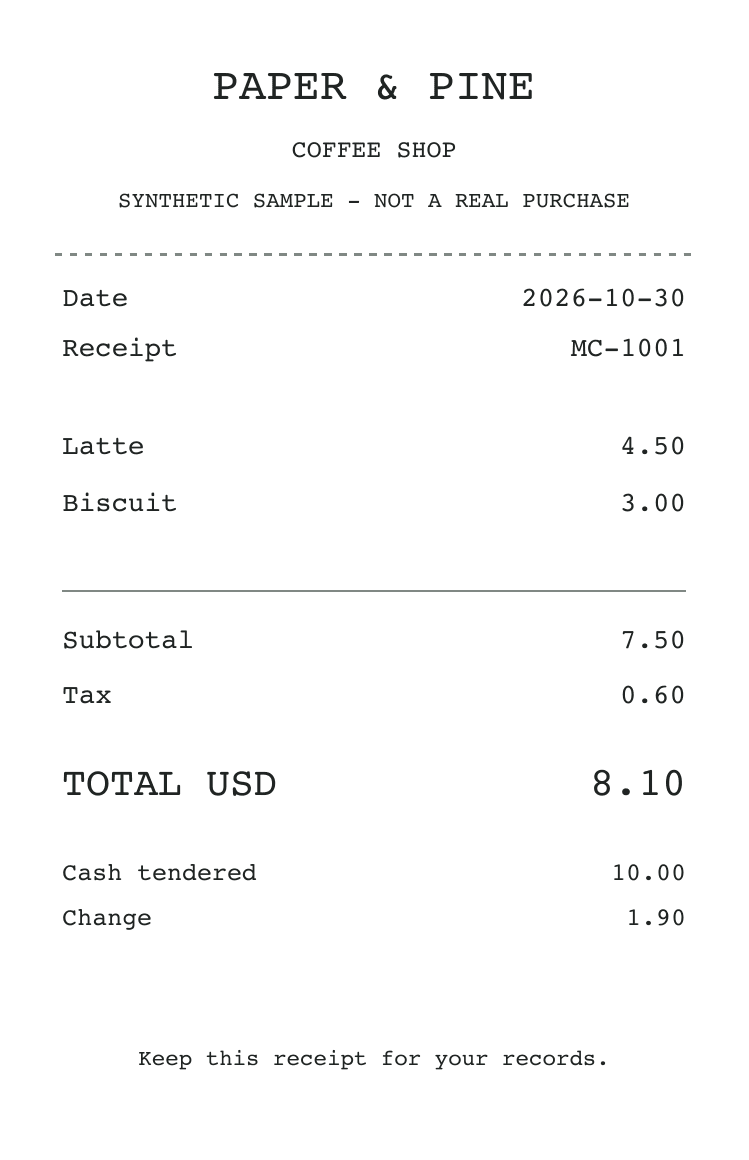
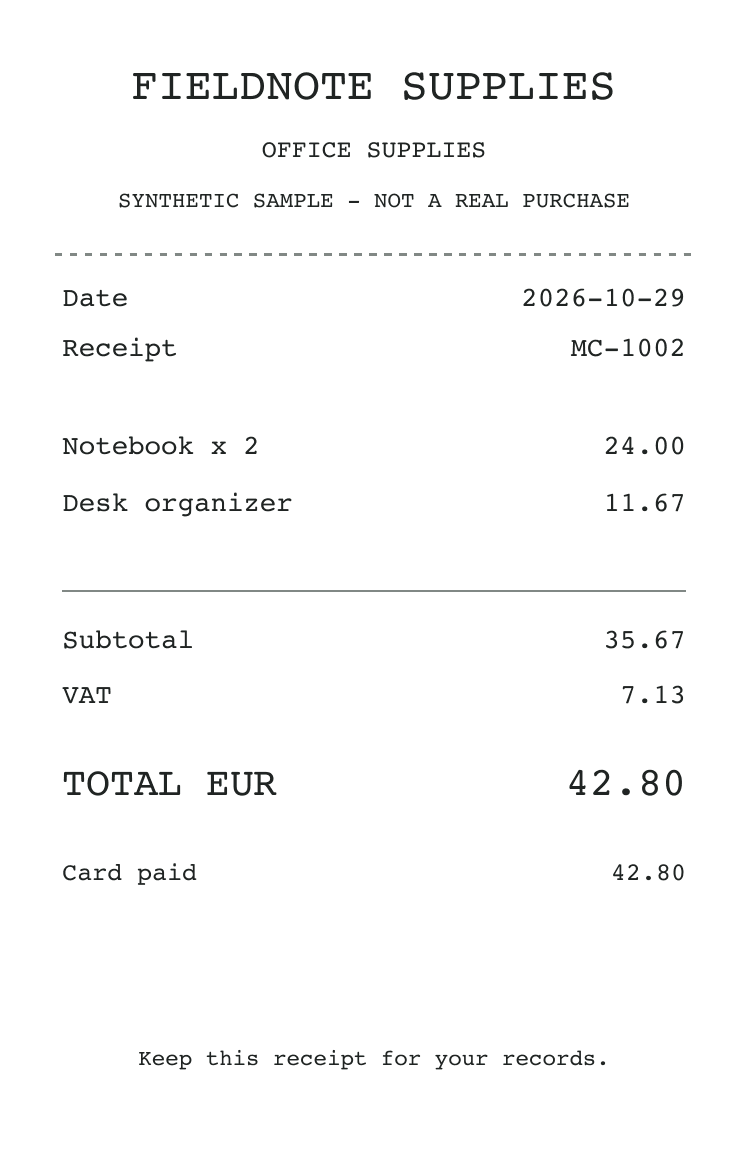 Synthetic sample receipts
Receipts in.
Spreadsheet out.
Drop receipt photos or PDFs into Magic CSV. It reads the merchant, date, total, tax, and currency into rows, saving you the retyping. Compare the results with the originals, correct a field, and export.
Turn receipts into a spreadsheetA few things
before you start.
How does this fit with Excel or Google Sheets?
Use Magic CSV to prepare and enrich your data, then download a CSV or Excel file. Open it in Excel or import it into Google Sheets to keep working.
Do I need to write formulas?
Describe what you want in plain language, such as “Extract the order number from each message.” AI works across the rows. Cleanup tools like removing duplicates use simple controls.
Can I check and change the AI results?
Yes. Review the answers in your sheet and edit any cell. AI can make mistakes. For receipts, compare extracted fields with the original images before exporting.
Get your next file
ready to work with.
Clean it up. Add what’s missing. Export it.
$10/month, unlimited AI.